Why You Should Care About Website Accessibility
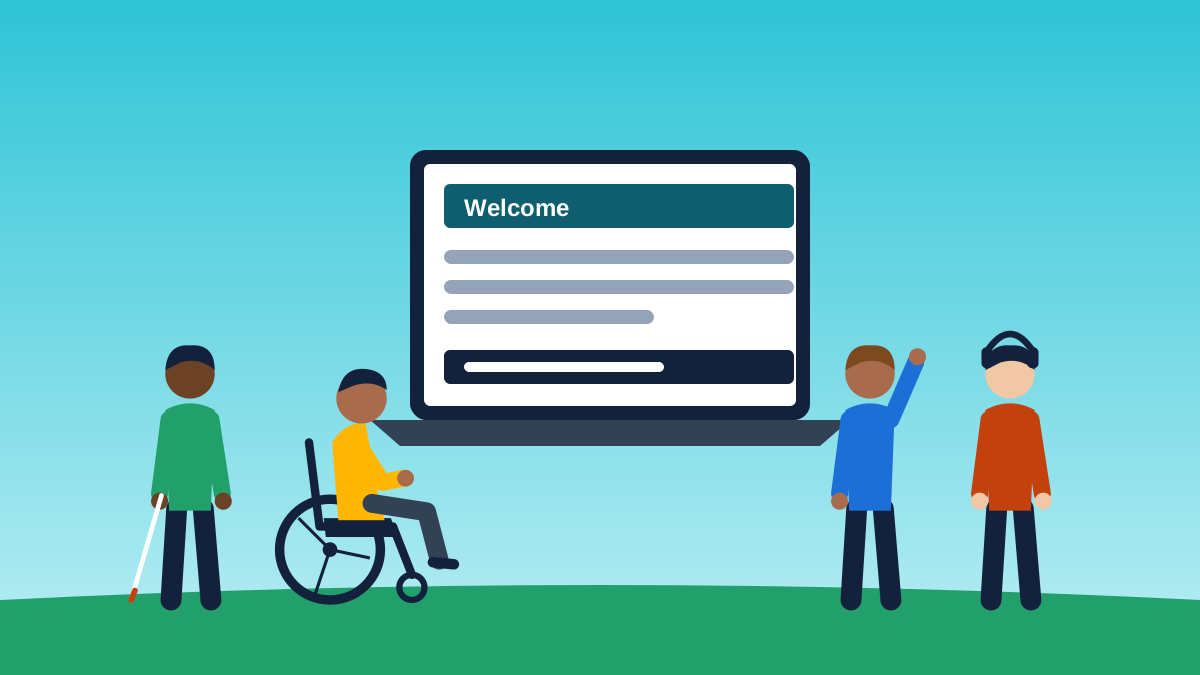
Inclusiveness Matters
Think about how much of your week runs through a website. Paying the electric bill, booking a campsite, checking whether the hardware store has the part you need, ordering dinner on a night you don’t feel like cooking. For most of us it’s so routine we barely notice it.
Now picture doing all of that when the site won’t work with your screen reader, the text is too faint to read, or the checkout button can’t be reached without a mouse. That’s everyday life for a lot of people, and most of the time the business on the other end has no idea it’s happening.
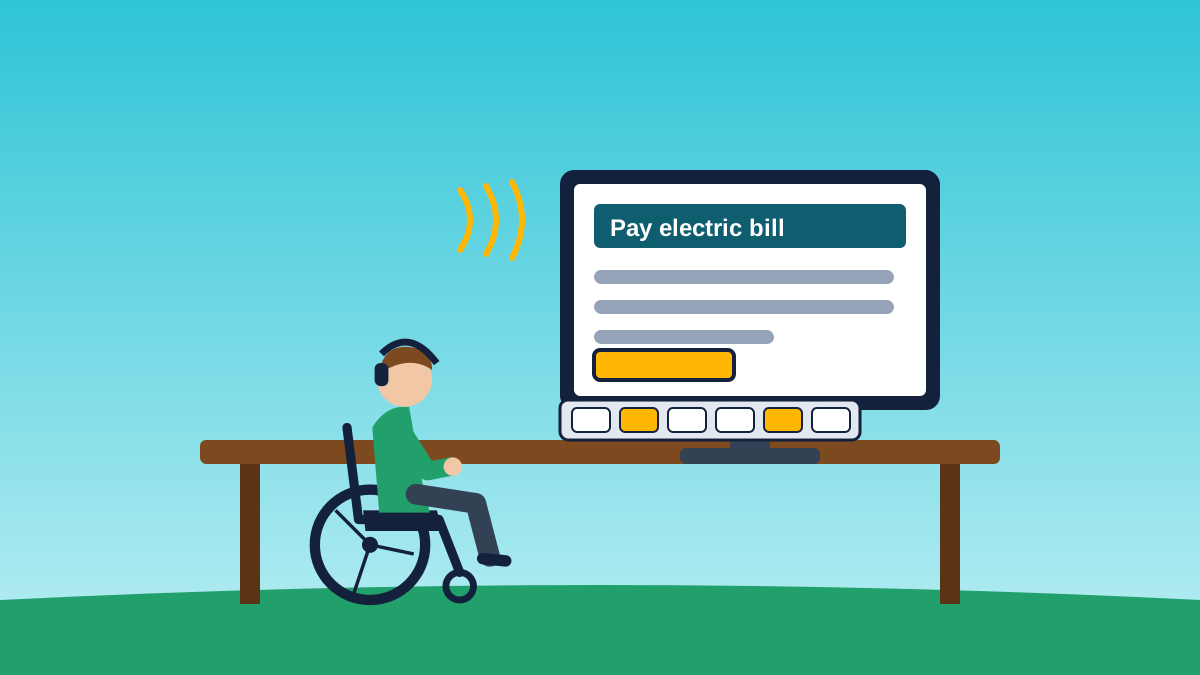
Many people with disabilities use assistive technology, such as screen readers and adapted keyboards, to pay bills, shop and plan trips online. Learn more in the Microsoft News story How thousands of people with disabilities shape the technology you probably use every day.
So why should you care about website accessibility? Because shutting people out of what you offer online isn’t fair to them, it costs you customers, and in most cases the law says you can’t.
What Website Accessibility Actually Means
Website accessibility means building a site so people can use it no matter how they see, hear, move or process information. That includes people who are blind or have low vision, people who are deaf or hard of hearing, people with limited use of their hands, and people with cognitive or learning disabilities. It also includes a big group that doesn’t always think of themselves as disabled: folks whose eyesight, hearing and dexterity are changing as they get older.
The yardstick everyone uses is the Web Content Accessibility Guidelines, better known as WCAG. The current version is WCAG 2.2, published by the W3C in October 2023. Most U.S. lawsuits and settlements point to WCAG 2.1 Level AA, and 2.2 builds right on top of it, so aiming for 2.2 AA covers both.
In practice that means things like text with enough contrast to read comfortably, images with useful descriptions, forms with real labels, videos with captions, and a site you can get all the way through using only a keyboard.
Percent of U.S. adults by type of disability. Some people have more than one type. Source: CDC Disability and Health Data System.
A Bigger Audience Than Most People Realize
According to the CDC, more than 1 in 4 adults in the United States, over 70 million people, reported having a disability in the 2022 national survey data released in 2024. Among adults 65 and older, it’s closer to 44 percent.
The most common types, as a share of all U.S. adults:
- Cognition, such as serious difficulty concentrating, remembering or making decisions: 13.9%
- Mobility, such as serious difficulty walking or climbing stairs: 12.2%
- Independent living, such as difficulty running errands alone: 7.7%
- Hearing, meaning deaf or serious difficulty hearing: 6.2%
- Vision, meaning blind or serious difficulty seeing even with glasses: 5.5%
- Self care, such as difficulty dressing or bathing: 3.6%
Each of those groups runs into different barriers online. Someone with a tremor may not be able to hit a tiny button. A person with a cognitive disability can get lost on a cluttered page full of moving sliders. A screen reader user needs the page built so the software can make sense of it.
The Web Still Has a Long Way to Go
Every year the nonprofit WebAIM runs automated tests on the home pages of the top one million websites. In its 2025 report, 94.8 percent of those home pages had detectable WCAG failures, with an average of 51 errors per page. Automated tools only catch part of the problem, so the real picture is worse than that.
The most common issues haven’t changed much in years: low contrast text, missing image descriptions, form fields without labels, and empty links and buttons. The good news is that these are some of the easiest things to get right when a site is built with care from the start.
Why It Matters for Your Business
People remember how you treat them. If someone can’t book a room, place an order or even find your phone number on your site, they don’t just leave. They tell their friends and family, and they find a business that did make room for them. When your site works well for everyone, the same word of mouth works in your favor.
Accessible sites also tend to be better sites for everybody. Clear headings, readable text, good contrast and simple forms help the parent holding a baby in one arm, the guy squinting at his phone in bright sun, and the retiree who just switched to stronger reading glasses.
Then there’s the legal side. Digital accessibility lawsuits number in the thousands every year, and most of them are filed against smaller businesses. We dig into that in Website Accessibility Lawsuits: A Dramatic Rise.
The Law in a Nutshell
The Americans with Disabilities Act was signed into law on July 26, 1990. It gives people with disabilities the same chance as everyone else to take part in everyday life, including shopping, dining out, getting services and dealing with state and local government.
The ADA was written before most businesses had websites, but the U.S. Department of Justice has long held that it covers what businesses offer online, and courts around the country have agreed in case after case. For state and local governments, the DOJ went a step further in April 2024 with a rule that makes WCAG 2.1 Level AA the required standard.
If you sell to customers in Europe, keep an eye on the calendar too. The European Accessibility Act starts applying to many online stores and digital services on June 28, 2025.
Making your website accessible is one of those rare things that’s good for people, good for business and good for your peace of mind. If you’re not sure where your site stands, reach out for a free ADA and WCAG website assessment. If your site needs work, our partners at Adirondack Website Design, experts in ADA/WCAG website development, can help.
Sources and Further Reading
- CDC Data Shows Over 70 Million U.S. Adults Reported Having a Disability, CDC, July 16, 2024
- Disability Impacts All of Us, CDC Disability and Health Data System
- The WebAIM Million, 2025 Report, WebAIM
- Web Content Accessibility Guidelines (WCAG) 2.2, W3C
- Guidance on Web Accessibility and the ADA, U.S. Department of Justice, ADA.gov