
Can a DIY Website Builder Give You an ADA Compliant Website?
The Builders Have Improved. That’s Only Half the Story.
A few years ago, the answer to this question was a flat no. Many DIY builders locked away the code you’d need to fix, and their templates came with accessibility problems baked right in.
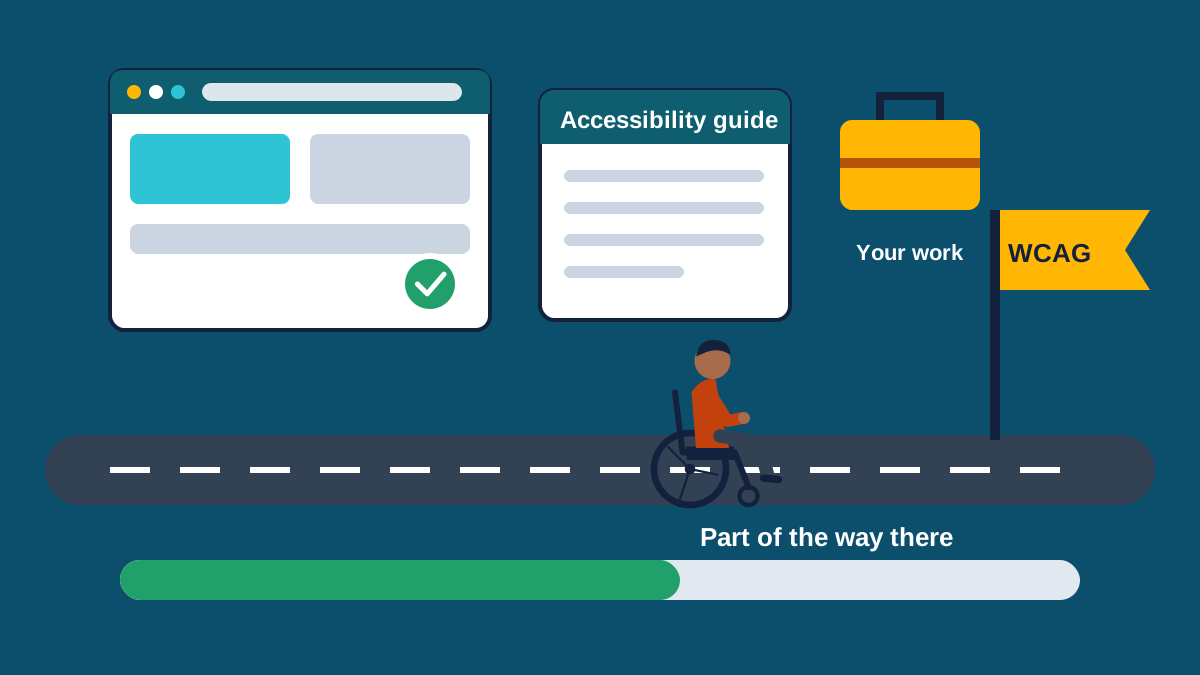
Things have gotten better since then. Wix, Squarespace and Shopify all publish accessibility guidance now, and many newer templates are built with accessibility in mind. So today the answer is closer to this: a DIY builder can get you part of the way there, but it can’t get you all the way, and it can’t do the work for you.
Average detected accessibility errors per home page, by platform. Source: WebAIM Million, 2026.
What the Latest Numbers Show
Every year WebAIM runs automated accessibility tests on the home pages of the top one million websites. In the 2026 report, 95.9 percent of home pages had detectable WCAG failures, with an average of 56.1 errors per page.
By platform, home pages built on Squarespace averaged 33.0 errors and Wix averaged 33.3, both well below the overall average. WordPress averaged 52.8. Shopify came in at 75.1, the highest of the major platforms in the report.
Fewer errors is real progress. But 33 errors on a home page is still 33 barriers, and automated testing only catches part of the picture. A site can pass every automated check and still be impossible to use with a keyboard or a screen reader.
Why a Builder Can’t Do It for You
A lot of what makes a site accessible comes down to choices you make while you build it, and no platform can make those choices for you.
- Image descriptions. The builder gives you a spot for alt text. Writing a description that says what actually matters in the photo is up to you.
- Colors. Low contrast text shows up on 83.9 percent of home pages in the WebAIM data. If you choose light gray text on a white background, the builder will let you.
- Headings. Picking a heading because of how it looks, rather than where it fits in the page’s outline, trips up screen reader users who rely on headings to get around.
- Links and buttons. A page full of “Click here” and “Learn more” doesn’t tell anyone where those links go.
- Forms. Missing form labels turn up on about half of all home pages.
- Apps and plugins. Online stores often add third-party apps for reviews, pop-ups, chat and checkout extras. Each one brings its own code, and you usually can’t fix it.
- Video. Captions and transcripts are still your job.
The Code You Can’t Touch
On most hosted builders you can’t edit the underlying code of your theme, the checkout or the platform’s built-in features. If a problem lives there, you’re waiting on the company to fix it. You can report it and hope it lands on someone’s list, but you can’t fix it yourself.
That matters because under the ADA the responsibility sits with the business that owns the site, not with the platform it’s built on. If a demand letter shows up, “my website builder did it” won’t get you very far.
Online stores carry the most risk. In 2025, e-commerce sites made up about 70 percent of all digital accessibility lawsuits, according to UsableNet.
So Should You Use a DIY Builder?
For a hobby site or a small project, a builder can be a fine place to start, as long as you pick a template with accessibility in mind and learn the basics as you go. For a business that depends on its website for bookings, sales or leads, it’s worth having someone who knows accessibility check your work, or building on a platform where you control the code.
Either way, what matters in the end is whether your finished site works for people. The only way to know is to test it, including with a keyboard and a screen reader.
If you built your site yourself, our partners at Adirondack Website Design, experts in ADA/WCAG website development, will provide a review of your website.
Sources and Further Reading
- The WebAIM Million, 2026 Report, WebAIM
- ADA Web Lawsuit Trends for 2026: What 2025 Filings Reveal, UsableNet, 2026
- Guidance on Web Accessibility and the ADA, U.S. Department of Justice, ADA.gov
- Web Content Accessibility Guidelines (WCAG) 2.2, W3C